~/.memory
Memory between tasks
Each bot session persists. It already knows your repo layout, your naming conventions, and the PR it reviewed on Wednesday. You do not repeat yourself on every task.
Six kinds of teams, each with a different problem. One pattern: mention a bot in Slack, hand off the work, read the result.
EffectiveBots runs across a wide range of team structures. Here is how six different roles use persistent agents to clear their queues and keep work moving.
#eng-team
Mid-sprint, the queue fills faster than any one person can drain it. Bots handle the repeatable end of engineering work so the team can focus on the parts that need human judgment.
@triage-bot look at #412
The bot picks up a new issue, reproduces the failure locally, labels it by severity and component, and posts a likely cause with file and line number. You read a thread instead of a cold bug report.
@review-bot check PR #88
Point a review bot at an open pull request. It checks for convention violations, obvious logic issues, and missing tests, then leaves inline comments and a summary before a human reviewer opens the diff.
@dep-bot run weekly upgrade
On a schedule, the bot bumps packages, runs the test suite, and opens a branch with a short note on anything that needed a code change. No more stale lockfiles piling up.
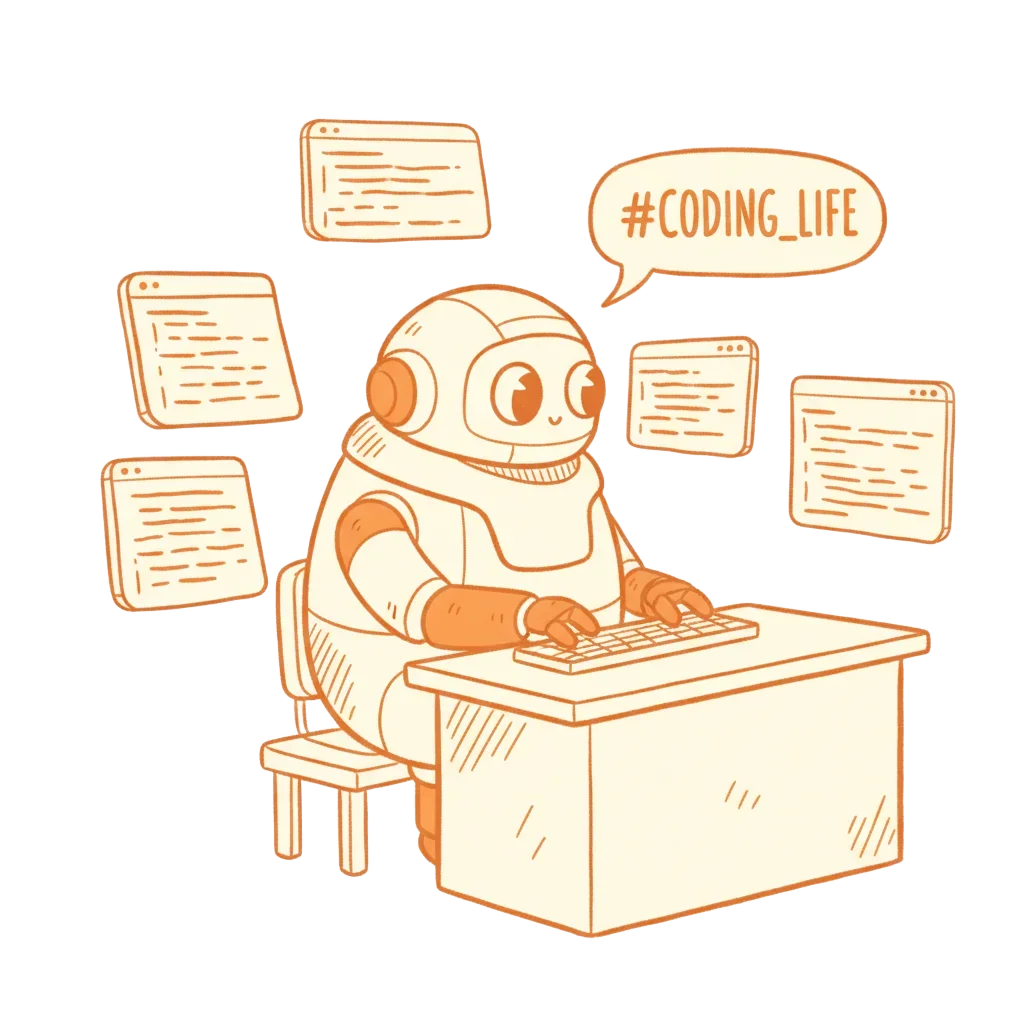
#solo-ship
One person, many hats. An indie builder cannot afford to spend half a day debugging a flaky test or writing migration docs. Bots absorb the tedious parts so you can keep shipping.
@docs-bot update changelog for v2.1
After a merge to main, a bot reads the diff and your commit messages and drafts a plain-language changelog entry. You edit two sentences instead of writing from scratch.
@fix-bot chase the auth timeout
Start a debugging task before bed. The bot works through the failure in its terminal session, tries a few hypotheses, and posts findings to your Slack DM. You wake up to a thread instead of a blank terminal.
@migration-bot plan the postgres move
Hand a bot your schema and the target. It drafts a migration script, lists edge cases, and flags anything it is not confident about. You review before running anything.

#platform-eng
EMs and tech leads spend time keeping projects unblocked, not writing code. Bots give leaders a way to delegate coordination work without adding headcount or switching tools.
@standup-bot summarise PRs since Monday
A bot reads merged pull requests and open issues, then posts a structured summary to the team channel every Monday morning. Leaders get a clear picture without polling individuals.
@audit-bot check config drift
Set a bot to verify that repos meet your team's standards - linting config, CI setup, README completeness. It reports deviations directly in Slack with links to the offending files.
@onboard-bot set up workspace for @newperson
When a new engineer joins, a bot runs through a checklist: clone repos, scaffold local env files, run health checks, and post a summary of what it did and what needs a human hand.
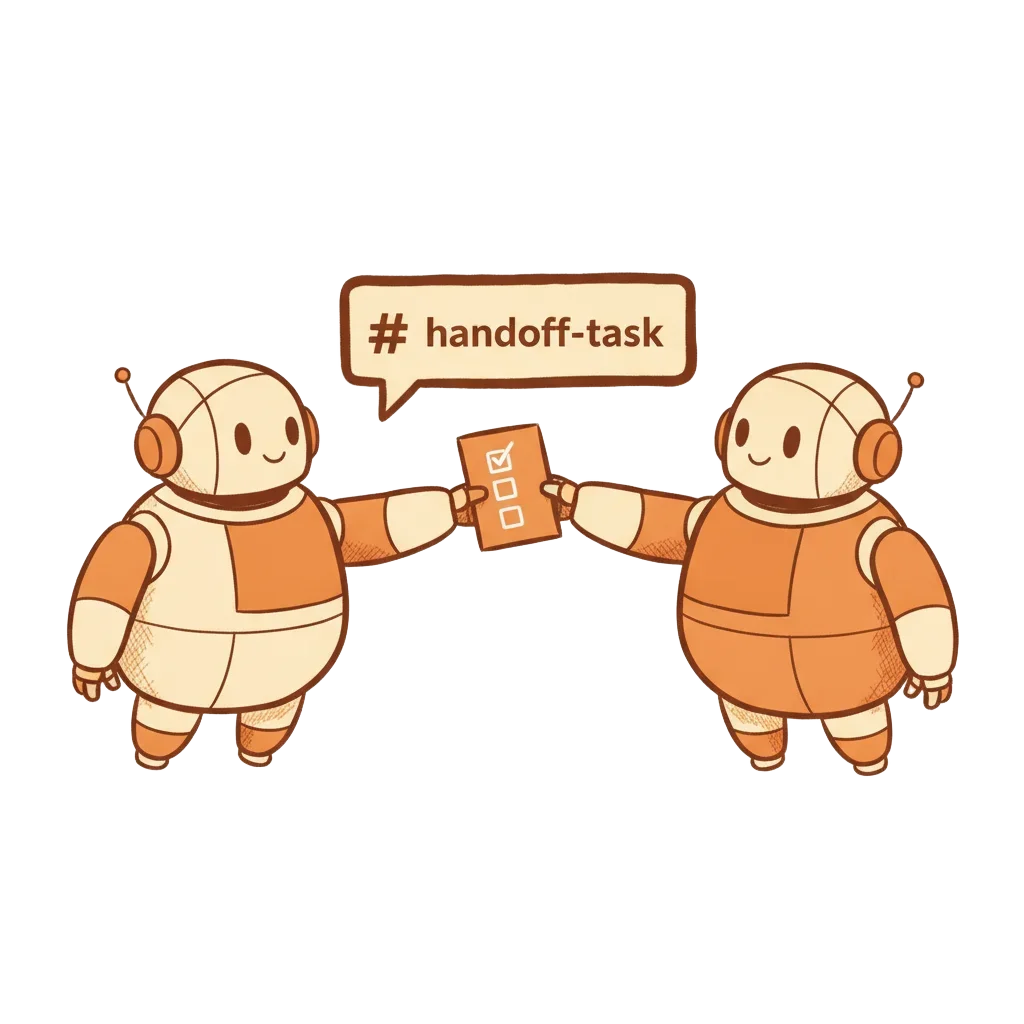
#ops-alerts
Ops teams are already living in terminals and chat. Bots slot into that workflow without ceremony - they run commands, check state, and post results where the team is already watching.
@ops-bot check staging health
Ask a bot to verify a staging environment before a deploy. It runs your health check scripts, summarises the results, and flags anything outside expected ranges - all posted to the deploy channel.
@ops-bot tail logs for the payment service
When an alert fires, a bot can tail the relevant logs, look for error patterns, and post a condensed summary in the incident channel. Cuts the time between alert and useful context.
@ops-bot rotate the dev certs
Attach runbooks to a bot and schedule them. Certificate rotations, snapshot verifications, stale branch cleanup - the bot runs the steps and posts a completion note with any exceptions.
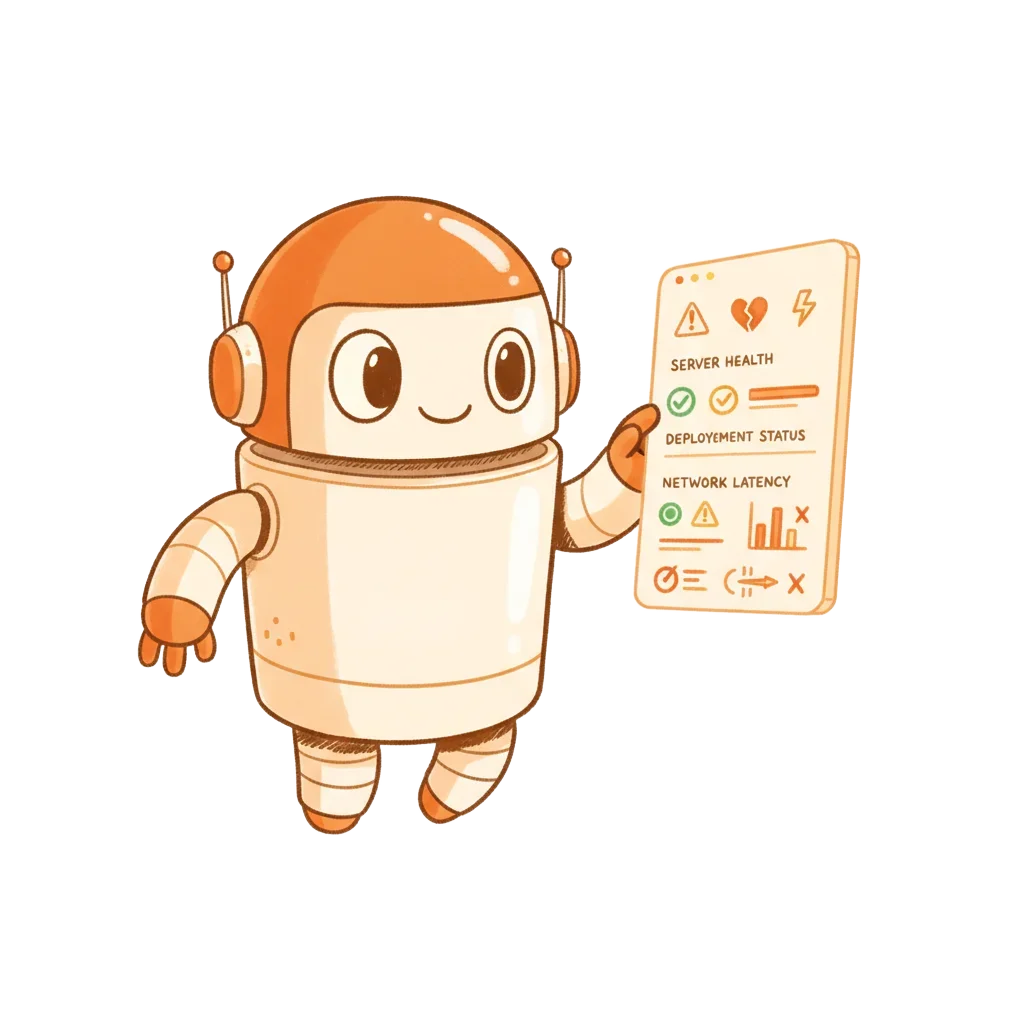
#research-lab
Research involves long feedback loops and a lot of boilerplate around the actual thinking. Bots handle the scaffolding - running experiments, formatting outputs, and keeping notes - so researchers can think.
@exp-bot run sweep with lr=0.001
Hand a bot a config and it runs the experiment, captures the output, and posts a formatted results summary with key metrics to the lab channel. No more parsing raw logs after a long run.
@lit-bot summarise these three papers
Give a bot a set of files or links and ask for a summary focused on a specific question. It reads, extracts the relevant pieces, and posts a structured note - useful when coming back to a paused research thread.
@data-bot clean the eval set
Preprocessing, deduplication, format normalization - the bot runs the pipeline, reports counts and anomalies, and flags rows that need a human decision before going further.
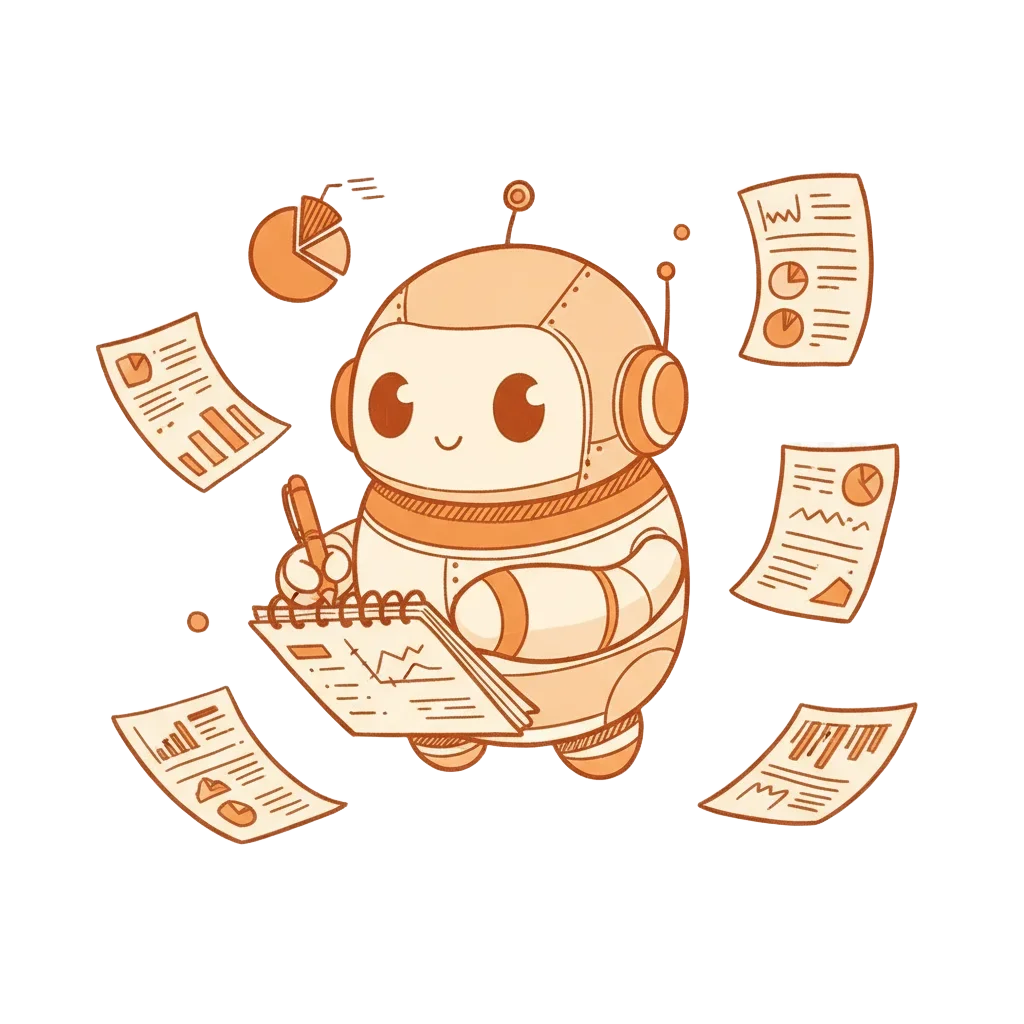
#founders
Early-stage teams need to move at a pace that does not scale with headcount. Founders who manage engineers and write code use bots to keep both loops running without constant context switching.
@ship-bot wire up the stripe webhook
Assign a well-scoped feature to a bot while you are in back-to-back calls. It builds the scaffold, notes the decisions it made, and leaves a short list of what it did not attempt. You review the diff when you surface.
@qa-bot smoke test main before the call
Before a customer call, ask a bot to run through the critical paths in your app and report any failures. Catch broken flows before a prospect does, without pulling an engineer off their current task.
@infra-bot estimate cost for 10k users
When a VC asks a technical question before a meeting, delegate the research to a bot. It reads your codebase, calculates the answer where it can, and posts a draft response you can clean up in two minutes.

Across all six roles, a few things keep coming up. These are not features - they are the properties that make bot delegation work in practice.
~/.memory
Each bot session persists. It already knows your repo layout, your naming conventions, and the PR it reviewed on Wednesday. You do not repeat yourself on every task.
#channel threads
Results, questions, and progress notes all come back as Slack threads. There is no separate dashboard to check. The work is where the team already is.
@bot-a hand off to @bot-b
One bot can assign work to another through a Slack mention. A triage bot can hand a confirmed bug to a fix bot, which hands the patch to a review bot. You approve the result.
git checkout -b bot/fix-auth
Bots work on branches and open PRs. They do not push to main unless you configure them to. Every change is reviewable before it lands.
role: "triage incoming bugs"
Bot behavior is defined in plain text files alongside your code. Version them, review them in PRs, roll them back if a bot starts behaving unexpectedly.
$ effectivebots up
The bots run on your own infrastructure. Code and context stay on your machine. The only external calls are the model requests, same as any Claude Code session.
"My triage bot cleared a backlog of 40 open issues in a weekend. Labels, root cause notes, severity tags. I just reviewed the summary on Monday."
"I have one bot that only handles dependency bumps. It opens the PR, runs tests, and posts a note if anything broke. I approve, done. Maybe 5 minutes a week."
"The fact that it remembers context is underrated. Our deploy bot knows our service names, our staging quirks, and which checks are flaky. We did not have to teach it twice."
Free for up to 10 bots. Runs on your own box. No vendor access to your code or your context.